Discover Seamless Property Sharing
How It Works
Managing bookings is simple and transparent:
-
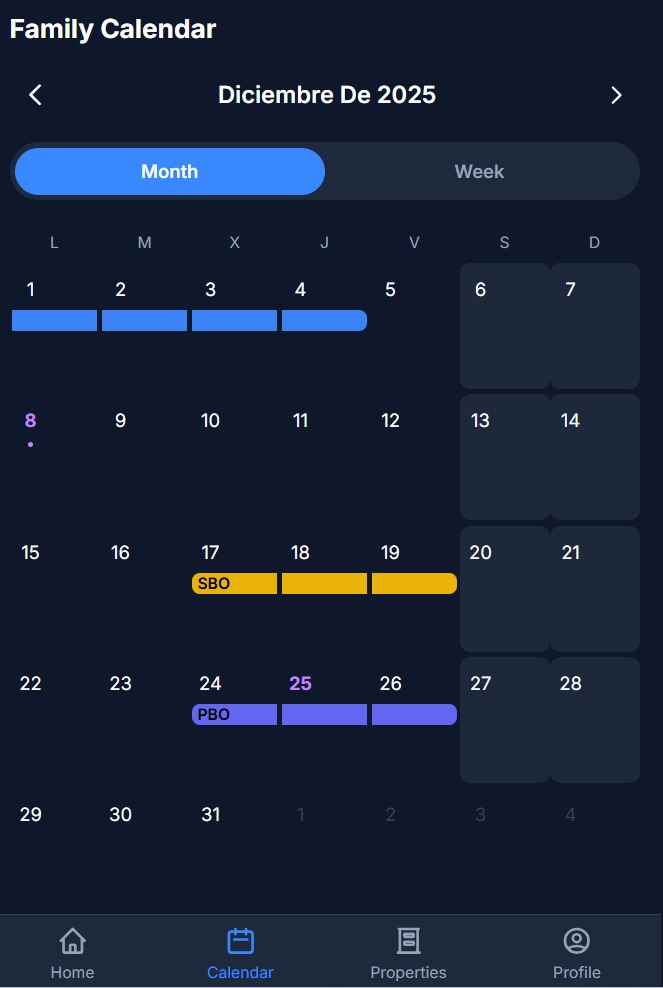
Check availability: Open the calendar and switch between Month or Week view for a full overview or detailed look.
-
Grey: past trips
-
Colors: confirmed bookings by family
-
-
Book instantly: Start a new booking from the Home screen or the Properties section.
-
Choose your spot: Select the main house or a specific cabin.
-
Pick your dates: Choose start and end dates—if anything is already taken, the app will notify you.
-
Select rooms: For the main house, choose the bedrooms you need.
-
Confirm: Review your details and finalize with one tap.
Streamline Your Family Property Management
Welcome to Family Slots
FS is designed to revolutionize how families manage shared properties. Our platform offers a centralized hub for booking, managing, and communicating, making it easier than ever to coordinate with family members. Enjoy the benefits of a shared calendar, detailed property management tools, and seamless communication channels, all in one user-friendly interface.
By using FS, families can avoid scheduling conflicts, enhance communication, and ensure everyone stays informed about property availability and bookings. Our intuitive platform is crafted to support your family’s unique needs, providing a stress-free experience for managing shared properties.
Step 1: Register or Log In
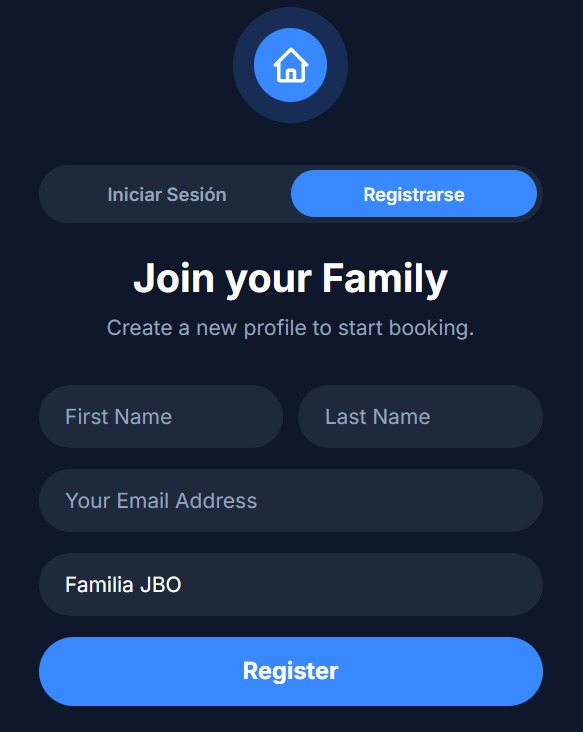
Begin by logging into Family Slots with your family profile. If you’re new, create an account to start managing your shared property effortlessly.
Step 2: Access Your Dashboard
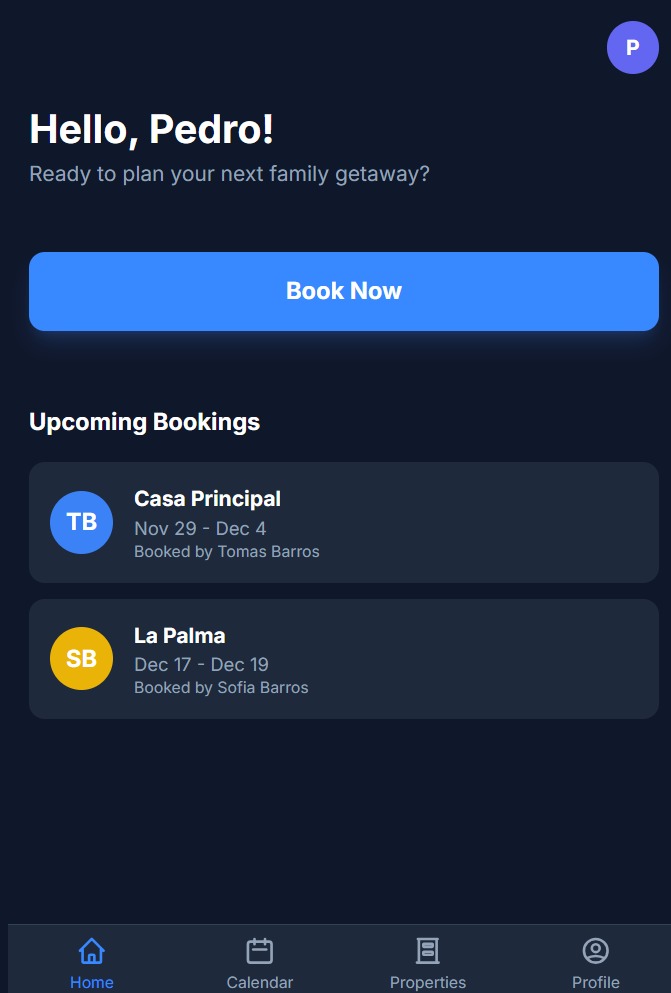
Navigate to your personalized family dashboard, where you can view all property details, upcoming bookings, and notifications at a glance.
Step 3: Book Your Stay
Use the shared calendar to select and book available dates for your family property, ensuring everyone is on the same page.
Step 4: Manage Property Details
Update and manage your property with photos, descriptions, and availability, keeping all family members informed and engaged.
Step-by-Step Guide to Using Family Slots
Discover how easy it is to manage your family property with FS. Start by logging in or registering with your family profile. Once inside, access your personalized dashboard designed for seamless navigation. Use the shared calendar to effortlessly book your desired dates, ensuring everyone stays informed. Manage each property with detailed photos and information, keeping everything organized and up-to-date. Track all your bookings and notifications in one place, and customize your personal profile and family settings for a tailored experience. Visualize each step with our intuitive placeholders and images that guide you through the process.